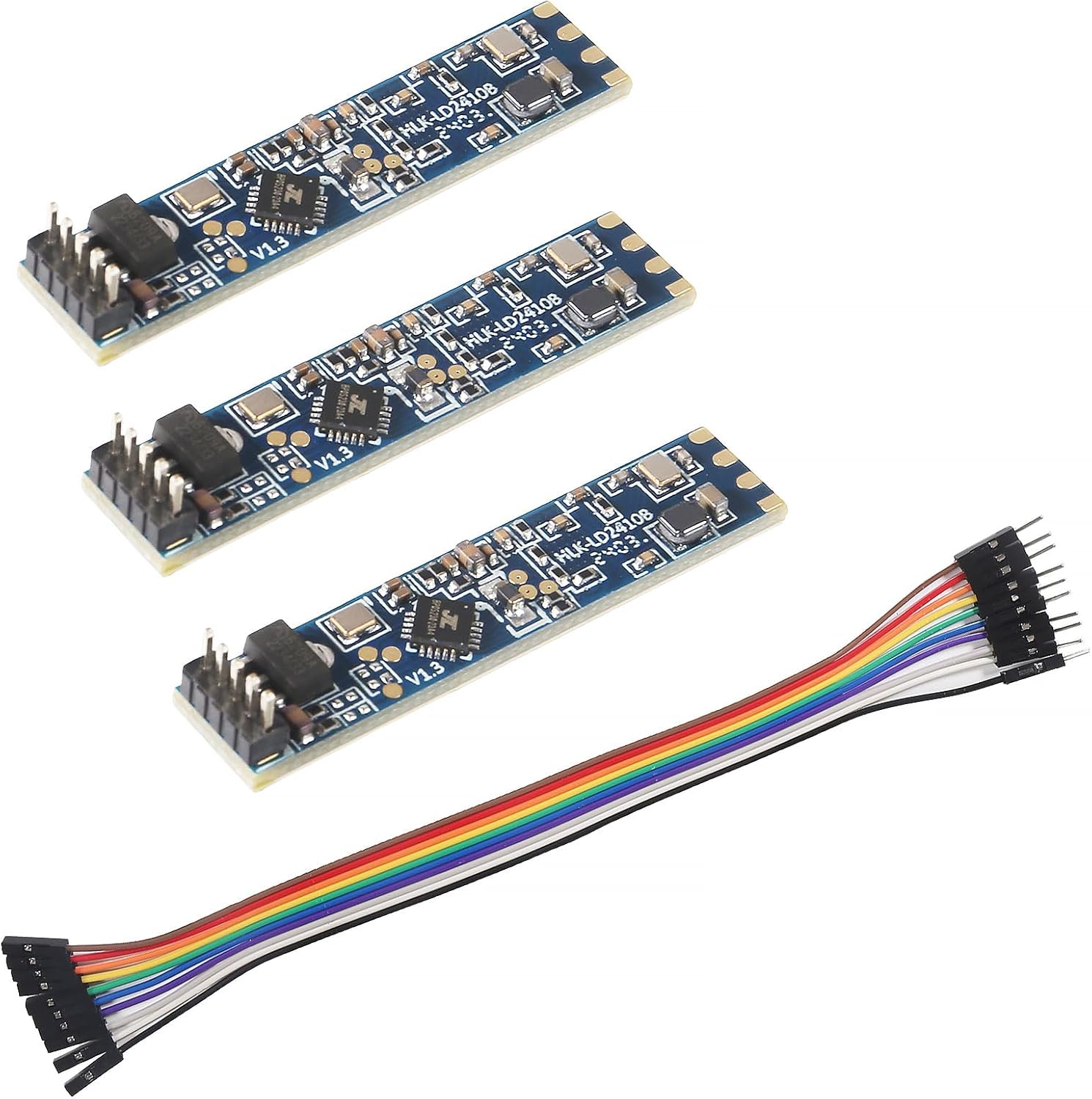
Top modules
24GHz presence radar · first generation · UART

HLK-LD2410 Original Module

The board that started the family: the same presence radar the B and C use, on a 7 × 35mm strip with fine-pitch pins and no Bluetooth, tuned over the serial port.

  • VersionHLK-LD2410 (first generation)
  • Board7 × 35mm, fine-pitch pins
  • RangeUp to 5m, 60° coverage
  • InterfacesUART (256000 baud) + OUT pin
  • BluetoothNo (see the Bluetooth boards below)
  • PacksSingle, with cable, or 2–10 pieces
Great for
  • Builds configured once over serial and left alone
  • Projects already designed around the original's footprint
  • Makers with a USB-serial adapter on the bench
Not for
  • Phone tuning: pick the LD2410B or LD2410C
  • Breadboards with plain jumpers, unless you use the adapter cable
Get the module
Pack sizes

Bare, cabled or by the handful

Know which first-generation board is on your bench

The HLK-LD2410 is where the family began. It is a 7 × 35mm strip carrying a 24GHz radar that sees people moving, sitting and lying still, measures their distance, and reports over a 3.3V serial port. Everything after it, the B, the C, the B-P, is this radar with something added.

What the original has:

  • The same detection as its successors: motion, micro-motion and stationary presence up to 5m, in 0.75m gates.
  • The same serial protocol at 256000 baud, so ESPHome's ld2410 component and the common Arduino libraries work.
  • An OUT pin that goes high at 3.3V when someone is present.
  • A 5V supply, like the B and C.

What it lacks:

  • Bluetooth. The HLKRadarTool app cannot reach it. All tuning goes through the UART.
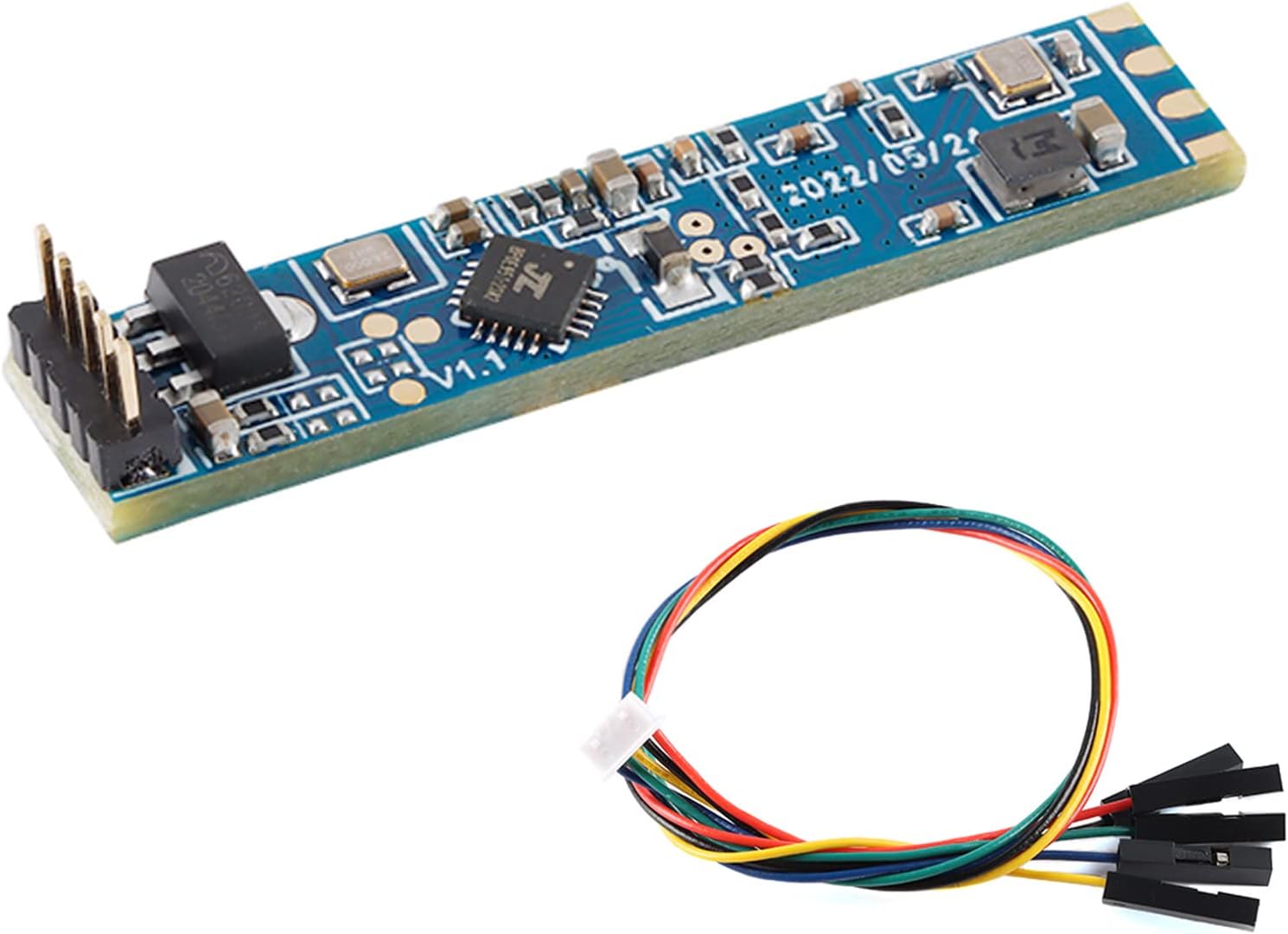
  • Breadboard pins. The connector is fine pitch; the cabled version ships with a 1.25mm-to-2.54mm Dupont lead to bridge that.

The radar copes well with its surroundings. Temperature, brightness, humidity and light changes do not trip it the way they trip a PIR sensor, and it works from inside a plastic shell with no hole in the front. That makes it good for a sealed product that gets configured once at the bench and never touched again.

Being radio-free has a quiet advantage too. Nobody nearby can open an app and change your thresholds, and there is no second transmitter on the board sharing the supply. For a sensor inside a finished product, that is one less thing to lock down.

If you are starting a new build today, the LD2410C gives you the same radar with Bluetooth and a 2.54mm header. The original still makes sense for existing designs built around its footprint, and for anyone who prefers a radio-free board.
Datasheet

Board details

SpecValue
ModelHLK-LD2410
Frequency band24GHz ISM
Radar typeFMCW
DetectsMoving, still, micro-motion, sitting and lying people
Maximum sensing distance5m
Distance resolution0.75m per gate
CoverageUp to 60°
Board size7 × 35mm
Supply voltage5V
Logic level3.3V UART and OUT pin
InterfacesUART and GPIO (OUT pin)
Default baud rate256000, 8N1
BluetoothNo on the first-generation board
ConfigurableFarthest distance and per-gate sensitivity
EnvironmentUnaffected by temperature, brightness, humidity and light changes
EnclosureSenses through a plastic shell, no window needed
Included with cable version1.25mm-to-2.54mm Dupont cable
Pack options1, 2 or 10 modules

Bridge the fine pitch to Dupont with the adapter cable

The original's pins sit too close together for Dupont jumpers, so the version with the 1.25mm-to-2.54mm cable is the practical buy for bench work. One end clips onto the module; the other end gives you standard female Dupont sockets for an ESP32, a USB-serial adapter or a breadboard.

  1. Clip the fine-pitch end onto the module, checking the locking side matches the connector.
  2. Label the five Dupont ends straight away with tape: 5V, GND, TX, RX, OUT.
  3. Take 5V and GND from your board's 5V pin, not its 3.3V pin.
  4. Cross the serial lines: module TX to board RX, module RX to board TX.
  5. Leave OUT free, or run it to a GPIO for a hardware presence line.

Wire colours on these cables are not standardised, so never wire by colour alone. Match each wire to the pad names on your module's silkscreen, and confirm against the LD2410 pinout before power goes on.

For a permanent install, you can cut the cable and solder the fine-pitch end's wires to your carrier board. That keeps the module removable at its own connector while losing the loose Dupont ends. Board-by-board UART pins for the ESP32, ESP32-C3, D1 Mini and Arduino are on the wiring page.

Short leads, steady 5V. The radar draws current in bursts while it transmits. A long, thin cable run on the power line lets the voltage dip, and the symptom looks like random resets or dropped frames rather than a power fault.
Among the others

Its place in the range

LD2410 sensor models by type, September 2026. Highlighted: LD2410 original module.

Configure the original over USB-serial instead of Bluetooth

With no Bluetooth, the original is tuned from a computer or from your own firmware. The usual route is a 3.3V USB-serial adapter, such as a CH340 or CP2102 board, and Hi-Link's PC configurator. The settings you write are stored on the module and survive power cuts.

  1. Wire the module to the adapter: 5V, GND, and TX and RX crossed.
  2. Open the PC tool, pick the adapter's COM port and set 256000 baud.
  3. Connect, and watch the live energy per distance gate.
  4. Empty the room and raise thresholds on any gate that stays lit.
  5. Set the farthest moving and still gates, and the no-one delay, then write the settings.

You can also skip the PC entirely. ESPHome's ld2410 component exposes the gate thresholds, maximum gates and timeout as number entities, so you can tune from Home Assistant with the module already mounted. A minimal start:

uart:
  rx_pin: GPIO16
  tx_pin: GPIO17
  baud_rate: 256000
  parity: NONE
  stop_bits: 1

ld2410:

binary_sensor:
  - platform: ld2410
    has_target:
      name: Presence

The full YAML, with thresholds and engineering mode, is on the ESPHome page, and tool downloads are on the LD2410 Tool page.

Frequent reasons the tool will not connect:

  • The adapter is set to 5V logic; switch it to 3.3V.
  • TX and RX are straight-through instead of crossed.
  • The baud rate was changed earlier and is no longer 256000.
  • Another program, such as a serial monitor, still holds the COM port open.

If you lose track of a changed baud rate, step through the common rates in the tool until the module answers, then set it back to 256000 so every guide and library matches.
Swap options

Other boards to try

New builds on a breadboard1 LD2410C single module
LD2410C single module
The LD2410C adds Bluetooth tuning and a 2.54mm header to the same radar.
  • LD2410C · 1 module
  • Bluetooth: tune it from your phone
  • 24GHz radar: sees people sitting still
Get the module
Same strip, plus Bluetooth2 LD2410B Bluetooth module
LD2410B Bluetooth module
The LD2410B keeps the 7 × 35mm shape and adds the phone app, with pins and cable in the 3-pack.
  • LD2410B · 3-pack
  • Bluetooth: tune it from your phone
  • Cable included
Get the module

Sort the Bluetooth-labelled boards from the true original

Boards sold under the plain LD2410 name come in five forms: a single with the Dupont adapter cable, bare singles, two boards marked with Bluetooth and a horizontal or vertical connector, and a multi-quantity pack of two or ten pieces. They are not all the same hardware.

The first-generation LD2410 has no Bluetooth radio. A board described as an LD2410 with Bluetooth is B-generation hardware under the family name. That is not a bad thing, since you gain phone tuning, but it changes which one you want.

VersionBluetoothPick it for
Single with Dupont cableNoBench work on the original with no soldering
Bare singleNoSoldering to a carrier board
Bluetooth, horizontal connectorYesMounting flat against a board
Bluetooth, vertical connectorYesStanding upright on a header
2 or 10 piecesNoSeveral rooms or a small run

The horizontal and vertical boards differ only in how the connector leaves the board. Horizontal suits a module lying flat behind a cover; vertical suits a module standing on a carrier PCB with the antenna facing the room.

Pull the board out of the bag and check:

  • The model printed on the board itself, not only the name on the box.
  • Whether you want Bluetooth. If you do, the LD2410B or LD2410C name it clearly.
  • That you have chosen two or ten pieces on the multi-quantity pack, whichever you meant.
  • That the connector type suits your build: fine-pitch, horizontal or vertical.

The full family comparison, including the S and the C, is on LD2410 vs LD2410C vs LD2410B vs LD2410S, and the datasheet summary lists the original's electrical figures.

Troubleshooting

Wiring questions

Does the original LD2410 have Bluetooth?

No. The first-generation board is configured over UART only. The LD2410B and LD2410C added Bluetooth.

Is the original LD2410 compatible with ESPHome?

Yes. It uses the same 256000-baud protocol as the B and C, so the ld2410 component works; only the Bluetooth switch has nothing to control.

What cable do I need for the LD2410?

A 1.25mm-to-2.54mm Dupont cable bridges its fine-pitch connector to standard jumpers. One version ships with it.

Should I buy the original or the LD2410C?

For a new build, the C is easier: 2.54mm pins and Bluetooth. The original suits existing designs built around its footprint.

Best LD2410