Top modules

HLK-LD2410 Maximum Detection Range, Field of View and Gates

The LD2410 is rated to about 5m in a ±60° cone, sliced into 0.75m distance gates. Knowing how that cone and those gates sit in your room is most of the tuning job.

Revised September 2026
Quick answer

Hi-Link rates the LD2410 to 5m for a moving person and lists 0.75–6m as the adjustable range, with a ±60° detection angle. Range is split into nine gates of 0.75m each (or 0.2m on newer firmware), and each gate gets its own sensitivity. Foil or a metal plate behind and beside the module cuts the back lobe and narrows the beam.

  • Wall mount at 1.5–2m, ceiling mount at 2.6–3m
  • Still people are detected over a shorter distance than walking ones
  • It measures distance only: no left, right or x/y zones
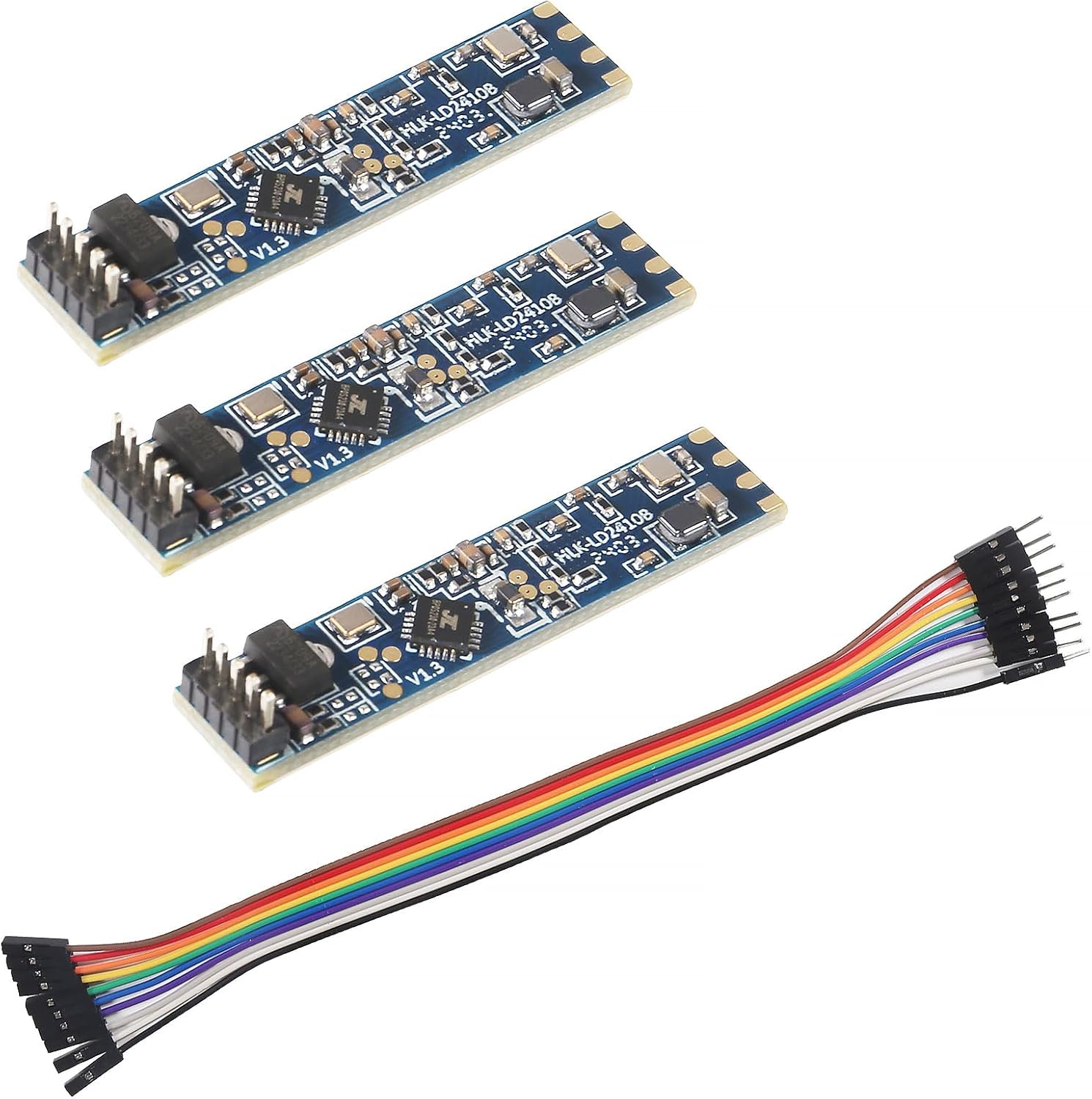
Room-sized coverage1 LD2410C 3-pack
LD2410C 3-pack
Three C modules rated to 5m, enough for a living room or office from one wall.
  • LD2410C · 3-pack
  • Bluetooth: tune it from your phone
  • 24GHz radar: sees people sitting still
Get the module
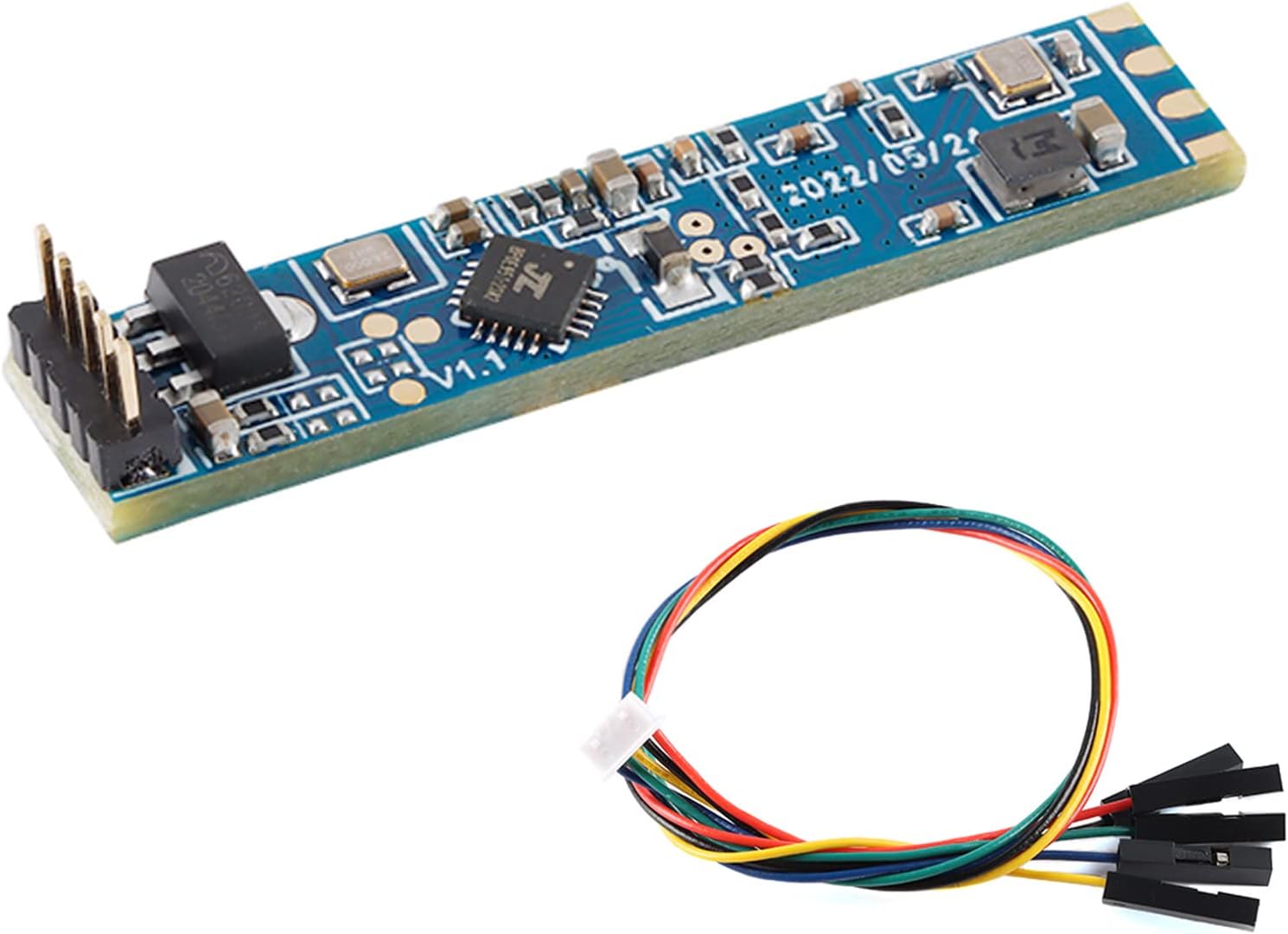
Longer reach on a battery2 LD2410S low-power module
LD2410S low-power module
The S is rated to 8m for moving people and 4m for still ones on a 3.3V supply.
  • LD2410S · 1 module
  • 24GHz radar: sees people sitting still
Get the module
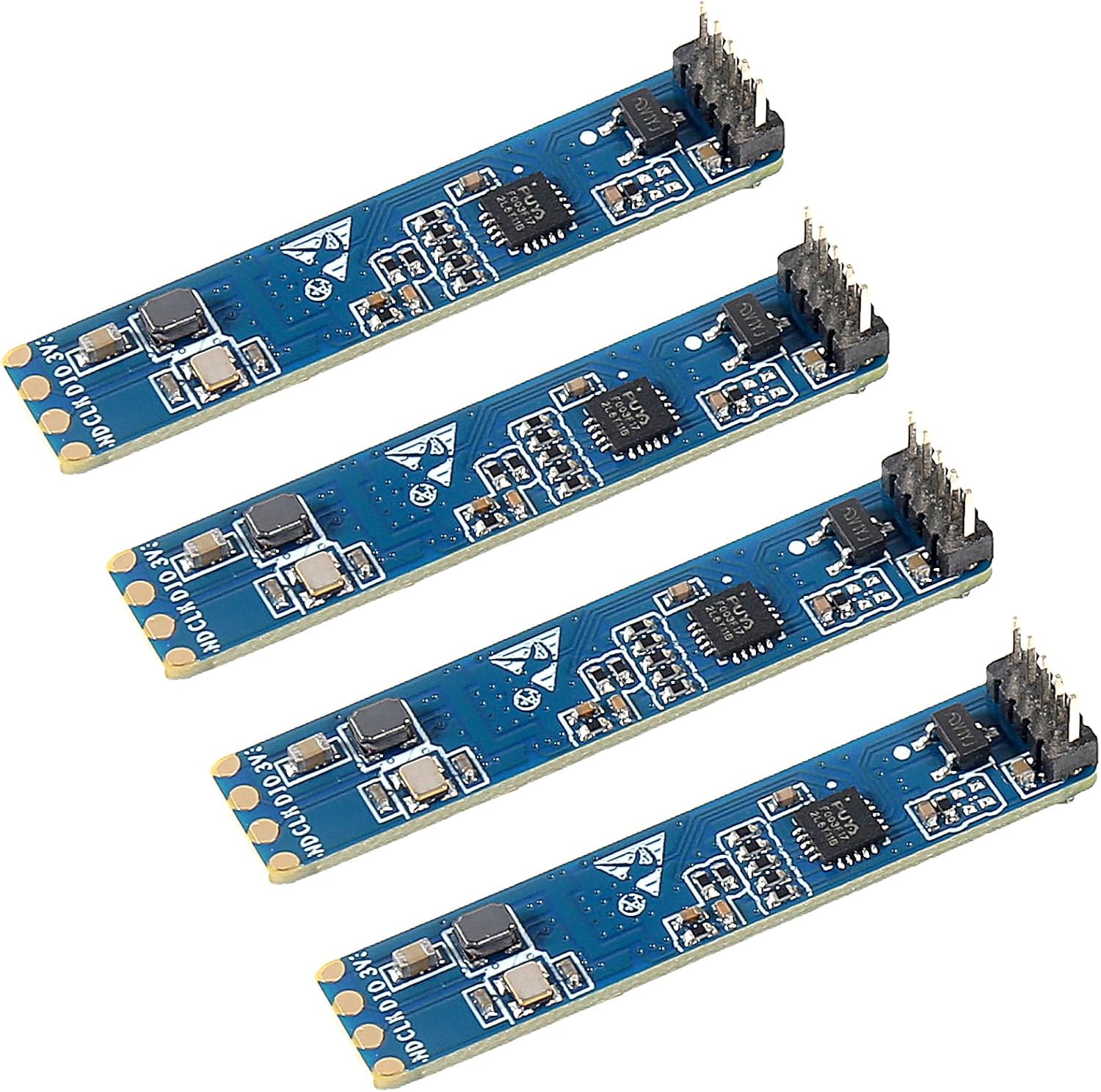
High ceilings3 JMT LD2410-AA module
JMT LD2410-AA module
The LD2410-AA is described for ceilings up to 6m and moving targets out to 9m.
  • LD2410-AA · 1 module
  • 24GHz radar: sees people sitting still
Get the module

Expect about 5 metres on a walking person

Hi-Link's headline figure for the LD2410 is 5m, and its spec table lists the detection distance as 0.75–6m, adjustable. Both numbers describe a person moving through the beam, the easiest target a radar gets.

A person sitting still is harder. The radar picks up breathing and small shifts, which reflect far less energy than a walking body, and Hi-Link's own coverage diagrams draw the sitting zone noticeably smaller than the moving one. Plan for reliable still detection over a shorter distance than the headline.

  • Posture: a person lying down presents a different profile than one standing.
  • Body size: Hi-Link notes that target shape and radar cross-section make distance readings fluctuate.
  • Mounting: a module aimed across the room reaches further than one tilted at the floor.
  • Enclosure: a poorly chosen cover can cost range.

Distance itself is reported with the 0.75m physical resolution of the radar, refined by the module's algorithm. Treat the distance value as a band, not a tape-measure reading. For precise positions you need a tracking radar such as the LD2450.

If 5m is not enough, the family has longer-reach members. The LD2410S is rated to 8m for movement, the LD2410D to 6m on a wall, and the LD2410-AA to 9m.

Reference

Where each distance gate falls

GateAt 0.75m resolutionAt 0.2m resolution
00–0.75m0–0.2m
10.75–1.5m0.2–0.4m
21.5–2.25m0.4–0.6m
32.25–3.0m0.6–0.8m
43.0–3.75m0.8–1.0m
53.75–4.5m1.0–1.2m
64.5–5.25m1.2–1.4m
75.25–6.0m1.4–1.6m
86.0m and beyond1.6–1.8m

Approximate bands built from the gate size. Hi-Link's own examples place boundaries up to one gate apart, and body size and posture shift readings, so confirm edges by walking them in engineering mode.

Picture the ±60° cone before you drill

The LD2410's detection angle is ±60°, a cone 120° wide in front of the board. Hi-Link shows two standard mounts: on a wall at 1.5–2m, and on a ceiling at 2.6–3m looking down.

  • Wall mount: the cone reaches across the room. Best for sofas, beds and desks facing the sensor.
  • Ceiling mount: the cone becomes a circle on the floor. Best for open rooms and corridors.
  • Corner mount: aim the board's face diagonally into the room to fit the 120° wedge into a 90° corner.

The antennas are patches printed on the module's own circuit board, and the radar looks out of the antenna side. Mount the module with that side facing the room and nothing metal in front of it. A small tilt down on a wall mount keeps the beam off the ceiling and aims it at seated heads and chests.

Edges of the cone are weaker than the middle. A person sitting at 55° off axis and 4m away is at the very limit of both angle and still-detection range, so put the chair or bed you care about nearer the centre line.

Hi-Link warns that the back of the antenna also radiates. Anything moving behind the module, including people in the next room, can register unless you shield it.

The D and AA versions come with their own ceiling guidance: the D covers a cone with a 4m base radius from a 3m ceiling, and the AA is rated for ceilings up to 6m.

Board comparison

Short-range and long-range boards compared

LD2410C 3-pack LD2410C 3-pack LD2410S low-power module LD2410S low-power module LD2410D module LD2410D module JMT LD2410-AA module JMT LD2410-AA module LD2410B Bluetooth module LD2410B Bluetooth module
TypeModuleModuleModuleTest kitModule
VersionLD2410CLD2410SLD2410DLD2410-AALD2410B
Pack3-pack1 module4-pack1 module3-pack
BluetoothYes———Yes
Cable————Yes
Get the module Get the module Get the module Get the module Get the module
Datasheet

Every spec of the top boards

LD2410C 3-pack
LD2410C 3-pack
Model
HLK-LD2410C
Frequency band
24GHz ISM (24.125GHz centre)
Radar type
FMCW (frequency-modulated continuous wave)
Detects
Moving, still, micro-motion, seated and lying people
Maximum sensing distance
5m (some packs quote up to 6m)
Distance resolution
0.75m per gate
Detection angle
±60°
Supply voltage
5V
Logic level
3.3V UART and OUT pin
Interfaces
GPIO (OUT pin) and UART
Default baud rate
256000, 8N1
Header
5 pins at 2.54mm pitch
Module notes →Get the module
LD2410S low-power module
Model
HLK-LD2410S
Frequency band
24GHz ISM
Detects
Moving and stationary people
Range, moving people
0.2–8m
Range, stationary people
0.2–4m
Measurement accuracy
±12.5%
Supply voltage
3.3V nominal
Maximum supply voltage
3.6V
Rated current
0.1mA (low-power operation)
Interfaces
UART and GPIO
Configurable
Detection range and reporting frequency
Protocol
LD2410S-specific; not the LD2410B/C command set
Module notes →Get the module
JMT LD2410-AA module
Model
HLK-LD2410-AA
Format
Test kit, 1 unit
Frequency band
24GHz
Sensor type
Stationary human presence sensor
Detects
Physical activity, slight movement and rest
Maximum range, moving people
9m
Ceiling mounting
Up to 6m height
Wall mounting
Supported
Interfaces
GPIO and UART
Configuration
Multi-level parameters via Bluetooth or serial port
Trigger and hold
Configured independently
Interference
Anti-interference design
Module notes →Get the module

Carve the room into distance gates

Range is divided into nine gates, numbered 0 to 8, each about 0.75m deep. Every gate has its own move threshold and still threshold, and you can cap the farthest gate for moving and for still targets separately.

Those gates are the LD2410's only zones. They are rings of distance around the sensor, not areas on a floor plan, so the module cannot tell a person on the left of the room from one on the right at the same distance.

  • Ignore a doorway 4m away: raise gate 5's move threshold to 100.
  • Watch only a desk at 1–2m: set the maximum gates to 2 and push the rest out of play.
  • Keep a bed at 3m occupied overnight: lower gate 3 or 4's still threshold.

Newer firmware adds a 0.2m distance resolution. All nine gates then fit into roughly the first 1.8m, which suits a single desk, a chair or a bathroom sink but not a whole room. Switch it from the app or the ESPHome distance_resolution select, then redo the thresholds.

If you need real zones, such as a sofa area and a kitchen area in one open room, look at the LD2450, which reports x/y positions, or finished sensors with zone settings. Per-gate tuning in Home Assistant is set out step by step in the ESPHome engineering-mode section.

Recommended

Cover a hall the C cannot reach

JMT LD2410-AA module
Best for tall ceilings and long rooms JMT LD2410-AA module

The JMT LD2410-AA test kit is described for ceiling mounts up to 6m and moving targets to 9m, with UART and GPIO outputs. It suits warehouses, halls and stairwells where a standard module runs out of reach.

Get the module

Narrow the beam with foil shielding

Because the LD2410's antennas are simple printed patches, the beam is wide and the board radiates a little backwards too. Metal around the module shapes that pattern, and Hi-Link itself suggests a metal backplane to suppress the back lobe.

  1. Put a piece of aluminium or copper foil tape behind the module, spaced a few millimetres off the board and insulated so it touches no pins.
  2. Check in engineering mode that activity behind the wall no longer lights up the gates.
  3. To narrow the sides, add foil strips along the enclosure walls beside the antenna, forming a short open box.
  4. Recheck coverage at the edges of the room; you will lose some of the ±60° as you add side walls.

Shielding is empirical. The result depends on the foil's size, its distance from the antennas and the enclosure, so change one thing at a time and watch the gate energy. Never cover the antenna face with metal; that blinds the sensor.

  • Foil behind: blocks the next room, keeps front coverage.
  • Foil beside: narrows the cone, costs some angle.
  • Grounding the foil to the module's GND is a common maker practice; insulating it from signal pins is essential.

If your enclosure is printed, the foil can go inside the back wall. The case guide covers wall thickness and spacing in front of the radar.

Visualised

Rated reach for a moving person

Maximum moving-target range from Hi-Link's documents and the module descriptions. Still targets are detected over shorter distances; the LD2410S, for example, is rated 4m for a stationary person.

Kill false triggers from fans, curtains and walls

Most false presence on an LD2410 comes from something that moves but is not a person. Hi-Link's installation notes list the usual suspects, and each has a gate-level fix.

SourceWhat you seeFix
Ceiling or desk fanMove energy in one gate, all dayRaise that gate's move threshold
Curtain in a draughtIntermittent moving targetRaise the gate's threshold or re-aim
Plants by an air ventSmall still energyRaise the still threshold for that gate
Next room through drywallFar gates light upLower the maximum gates, shield the back
Module wobbling on its mountRandom triggers everywhereFix it firmly
  • Large flat reflectors, such as a metal cabinet or a mirror, can interfere with the antenna.
  • Air conditioners at the top of a wall move air and louvres through the beam.
  • Pets move; the radar sees them as targets. Raise the lower gates' thresholds if a cat sits close to the sensor.

Tune by watching real energy values, not by guessing. The HLKRadarTool app shows them live on a Bluetooth board. Set thresholds a margin above the empty-room peaks and the sensor stays quiet until someone walks in.

Troubleshooting

Common snags

What is the HLK-LD2410 maximum detection range?

Hi-Link rates it to 5m for a moving person and lists 0.75–6m as adjustable. Still people register over a shorter distance.

What is the LD2410 detection angle?

±60°, a 120° cone in front of the antenna side of the board. The edges are weaker than the centre.

What are LD2410 gates?

Distance bands of about 0.75m each, numbered 0 to 8, each with its own move and still sensitivity. Newer firmware can shrink them to 0.2m.

Can the LD2410 do zones?

Only distance zones, through its gates. It has no angle information, so for left or right areas use a tracking sensor such as the LD2450.

What antenna does the LD2410 use?

Patch antennas printed on its own circuit board. That is why it needs a clear, metal-free view in front and benefits from shielding behind.

Next build step

Continue the build

Parts bin

Other boards for the job

Best LD2410