Top modules

LD2410 Tool Download: Bluetooth App, PC Configurator and Firmware

Hi-Link gives you two ways into the LD2410's settings: the HLKRadarTool phone app over Bluetooth and a Windows configurator over serial. Either one sets the gates, sensitivity and timeout the module keeps after power-off.

Revised September 2026
Quick answer

For the LD2410B, B-P and C, install Hi-Link's HLKRadarTool app from the Android or iOS app store and connect over Bluetooth. For any version, including the original with no Bluetooth, Hi-Link's Windows configuration tool connects through a USB-to-serial adapter at 256000 baud. Firmware updates for Bluetooth boards run through the app.

  • Download PC tools and manuals from Hi-Link's own site
  • Linux users: ESPHome or a serial library does the same job
  • Turn Bluetooth off after tuning if nobody else should connect
Phone-tuned single room1 LD2410C single module
LD2410C single module
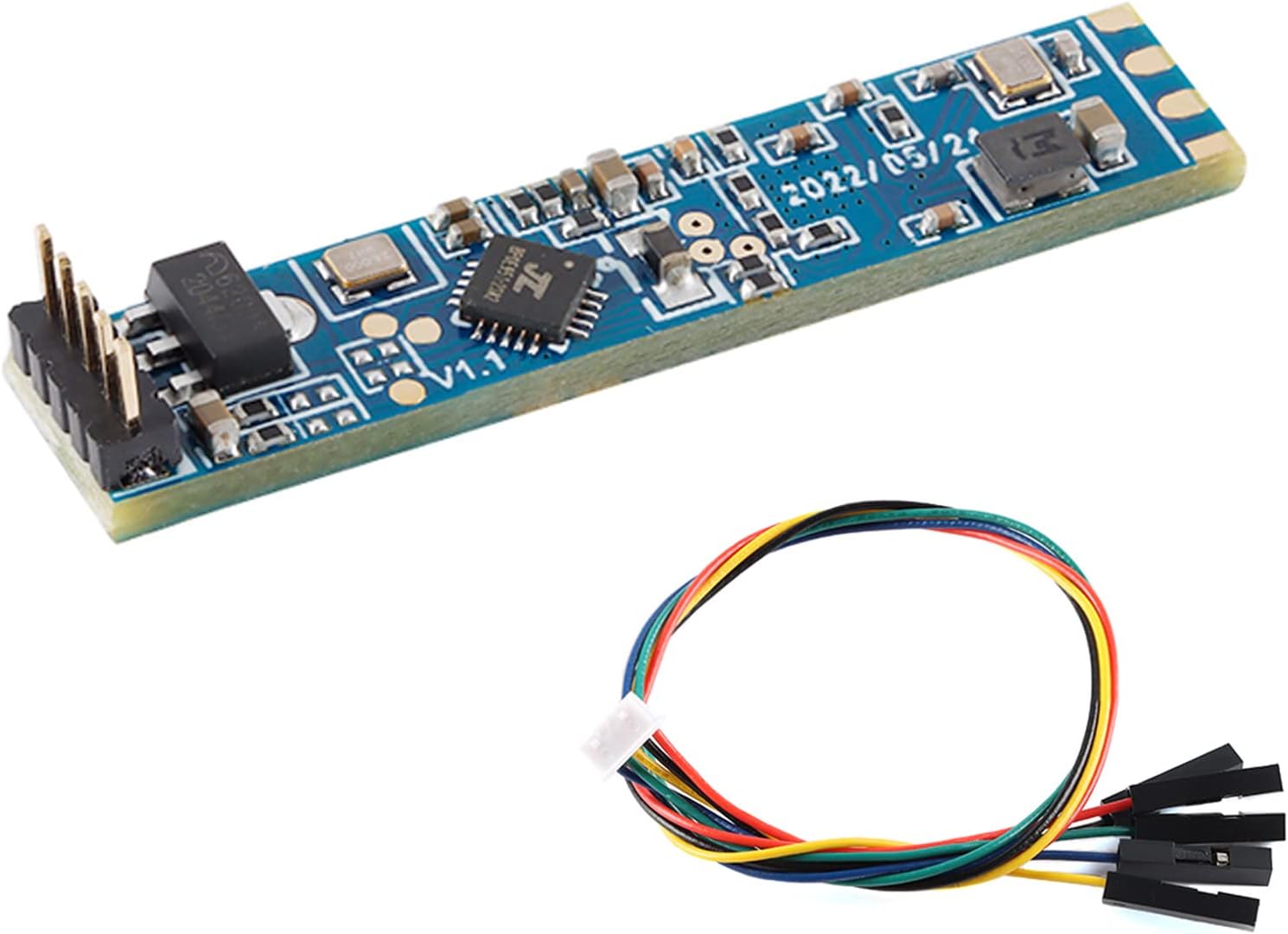
The C connects to HLKRadarTool out of the box and takes a standard header.
  • LD2410C · 1 module
  • Bluetooth: tune it from your phone
  • 24GHz radar: sees people sitting still
Get the module
Bluetooth on the slim board2 LD2410B Bluetooth module
LD2410B Bluetooth module
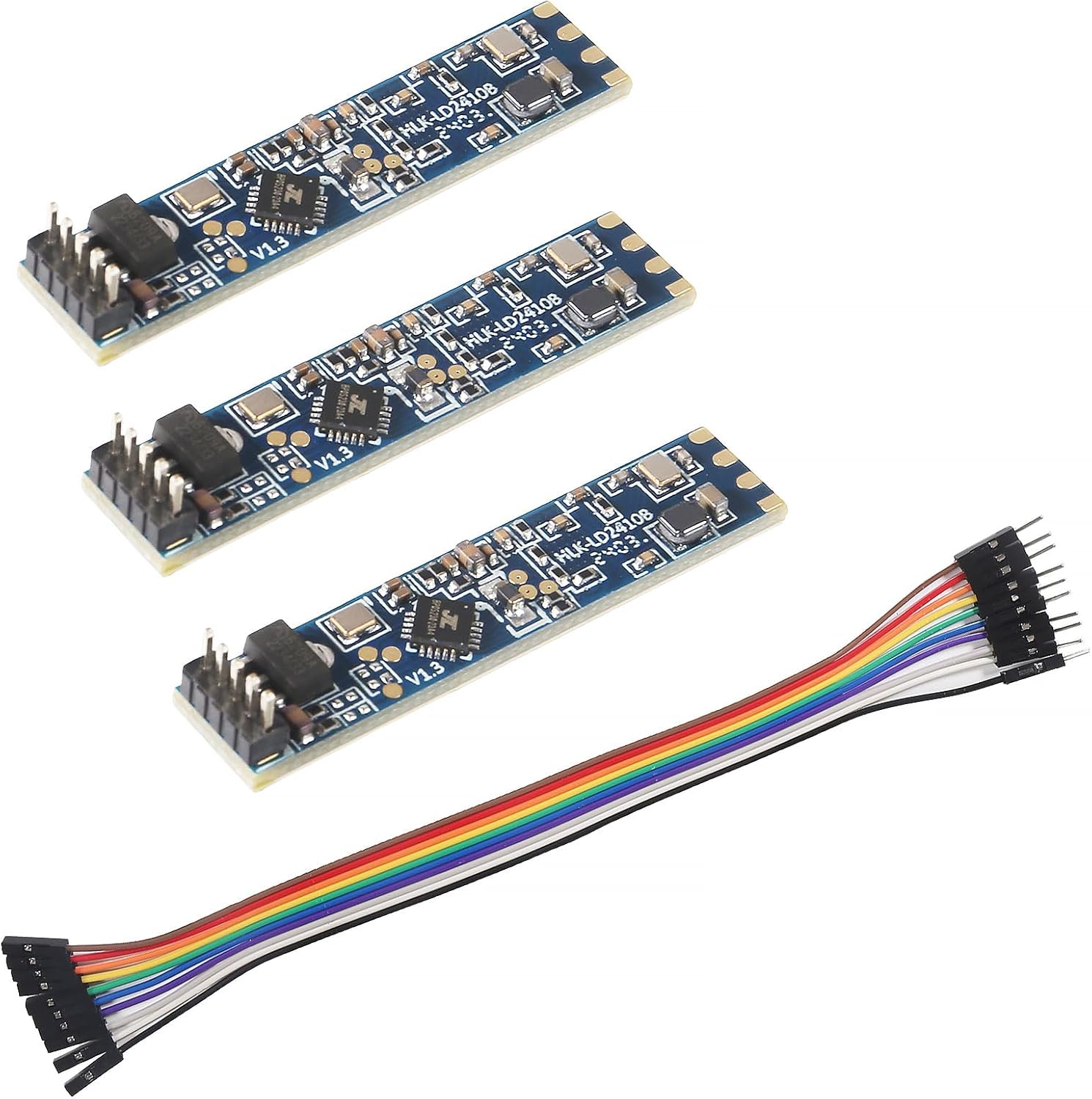
Three B modules with cables, each tunable from the app before it goes in a wall box.
  • LD2410B · 3-pack
  • Bluetooth: tune it from your phone
  • Cable included
Get the module
PC tool on day one3 LD2410B Test Kit
LD2410B Test Kit
A test board with cable makes the Windows configurator a plug-in job.
  • LD2410B · 1 module
  • Bluetooth: tune it from your phone
  • 24GHz radar: sees people sitting still
Get the module

Install HLKRadarTool and find your module

HLKRadarTool is Hi-Link's own app for its radar modules, published for Android and iOS. Power a B, B-P or C from 5V, open the app, and the module appears in the scan list under a name beginning with HLK-LD2410.

No microcontroller is needed for this step. A USB charger and three jumper wires to VCC and GND are enough, because the Bluetooth radio lives on the module itself.

  • Live target state: moving, still or nobody.
  • Distance to the moving and still target.
  • Energy per gate, drawn as bars, once you switch to the engineering view.
  • Settings pages for gates, sensitivity and timeout.
  • Firmware version and the update function.

The app may ask for a Bluetooth password. The factory default is commonly HiLink; if you or an ESPHome config have changed it, use the new six-character value. Set a password of your own once the sensor is in place, since anyone nearby with the app can otherwise connect.

The original LD2410 and the LD2410S have no Bluetooth. For those, skip ahead to the PC configurator or use ESPHome.

If the module does not show up, check that another phone or Home Assistant's LD2410 BLE integration is not already connected. The module accepts one Bluetooth connection at a time.

Reference

Which tool reaches which board

BoardHLKRadarTool appWindows PC toolESPHome
LD2410 (original)No BluetoothYes, over serialYes
LD2410B and B-PYesYes, over serialYes
LD2410CYesYes, over serialYes
LD2410B test kitYesYes, cable includedYes
LD2410SNo BluetoothS-specific tool, 115200 baudCommunity component only

Bluetooth support per Hi-Link's module descriptions; ESPHome support per its ld2410 component docs.

Set range and sensitivity from where you sit

The app's strength is that you tune while standing, or sitting, in the room the sensor watches. You see the effect of each change on the live energy bars at once.

  1. Set the maximum moving and still gates. Each gate adds about 0.75m, so a maximum of 4 stops detection at roughly 3–3.75m; walk the edge to confirm.
  2. Leave the room empty for a minute and note which gates show energy with nobody there.
  3. Raise those gates' thresholds above the empty-room level.
  4. Sit in your usual spot and hold still; check the still energy of that gate clears its threshold.
  5. Set the no-one timeout, then save.

Values go into the module's memory, not the phone. Unplug it, move it to your ESP32 build, and the tuning comes along. ESPHome reads the stored values back and shows them as number entities.

  • Fan or curtain in gate 2: raise gate 2's move threshold, leave still alone.
  • Next room through a thin wall: lower the maximum gates.
  • Dropping out while reading: lower the still threshold of your chair's gate.

For the geometry behind the gate numbers, and how shielding narrows the beam, see the range and field-of-view guide.

Tune in the conditions the room normally has. If the heating fan or a ceiling fan runs in winter, switch it on during the empty-room check, or its gate will trip the sensor later. Doors that stay open, curtains near a draughty window and pets all belong in that test too.

Board comparison

Bluetooth and serial boards compared

LD2410C 3-pack LD2410C 3-pack LD2410B Bluetooth module LD2410B Bluetooth module LD2410B-P module LD2410B-P module LD2410B Test Kit LD2410B Test Kit LD2410 original module LD2410 original module
TypeModuleModuleModuleTest kitModule
VersionLD2410CLD2410BLD2410B-PLD2410BLD2410
Pack3-pack3-pack1 module1 module1 module
BluetoothYesYesYesYes—
Cable—Yes——Yes
Get the module Get the module Get the module Get the module Get the module
Datasheet

Every spec of the top boards

LD2410C single module
Model
HLK-LD2410C
Frequency band
24GHz ISM (24.125GHz centre)
Radar type
FMCW (frequency-modulated continuous wave)
Detects
Moving, still, micro-motion, seated and lying people
Maximum sensing distance
5m (some packs quote up to 6m)
Distance resolution
0.75m per gate
Detection angle
±60°
Supply voltage
5V
Logic level
3.3V UART and OUT pin
Interfaces
GPIO (OUT pin) and UART
Default baud rate
256000, 8N1
Header
5 pins at 2.54mm pitch
Module notes →Get the module
LD2410B Bluetooth module
Model
HLK-LD2410B
Frequency band
24GHz ISM
Radar type
FMCW
Detects
Moving and stationary people, with target distance
Maximum sensing distance
5m
Distance resolution
0.75m per gate
Coverage
±60°
Board size
7 × 35mm
Supply voltage
5V
Logic level
3.3V UART and OUT pin
Interfaces
UART and GPIO (OUT pin)
Default baud rate
256000, 8N1
Module notes →Get the module
LD2410B Test Kit
LD2410B Test Kit
Model
HLK-LD2410B
Kit type
Bluetooth test kit
Frequency band
24GHz ISM
Detects
Moving and stationary people, with target distance
Maximum sensing distance
5m
Distance resolution
0.75m per gate
Measurement accuracy
±0.375m
Coverage
±60°
Module size
7 × 35mm
Maximum supply voltage
5V DC
Outputs
Digital OUT pin and UART
Default baud rate
256000, 8N1
Module notes →Get the module

Run the Windows configurator through a USB-serial adapter

The Windows configurator does everything the app does, plus it works with the original LD2410. You need a USB-to-serial adapter with a 5V pin, such as a CH340 or CP2102 board.

Download the tool and the module manual from Hi-Link's own website, where each radar model has its own resource folder. Then wire the adapter:

  • Adapter 5V to sensor VCC, GND to GND.
  • Adapter TX to sensor RX, adapter RX to sensor TX.
  • Leave OUT unconnected.

In the tool, pick the adapter's COM port and set 256000 baud. Select engineering mode if you want per-gate energy, then connect. Hi-Link's manual notes one quirk: while the live display runs after pressing Start, parameters cannot be read or written. Press Stop, change settings, then start again.

The PC view is handy for a first look at a module before it goes into an enclosure. A test kit with its own cable removes even the adapter wiring. For pin order on each board, keep the pinout reference open next to the tool.

Download configuration tools from Hi-Link's official folders. They match the manual, and you know the file has not been repackaged.
Recommended

Tune from the phone, wire with pins

LD2410B-P module
Best for app tuning with pins fitted LD2410B-P module

The LD2410B-P is the Bluetooth B with its header already soldered, so you tune it in HLKRadarTool and plug it into a breadboard the same afternoon.

Get the module

Update the firmware without bricking the radar

Hi-Link ships firmware updates for its Bluetooth boards through HLKRadarTool. Newer firmware has added options such as the finer 0.2m distance resolution and the light-controlled OUT function.

Before you update, ask whether you need to. A sensor that detects reliably gains nothing from new firmware, and ESPHome's documentation ties some entities to specific firmware versions, which cuts both ways.

  1. Note the current version in the app or from ESPHome's version text sensor.
  2. Power the module from a stable 5V supply, not a sagging USB hub.
  3. Keep the phone close and the screen awake for the whole update.
  4. Do not interrupt or power-cycle until the app confirms success.
  5. Recheck your settings afterwards; restore them if they reset.

The main risk is an interrupted update, whether from a dropped Bluetooth link or a power blip. The original LD2410 has no Bluetooth, so app updates do not apply; check Hi-Link's files for your module before assuming a serial update path exists.

If the update adds 0.2m resolution, remember that gate numbers change meaning. All nine gates then fit inside about 2m, so retune the maximum gates before relying on it.

Visualised

Values one tuning session sets

Configurable detection values on the LD2410's standard firmware, counted from Hi-Link's serial protocol and ESPHome's component docs. Newer firmware adds resolution, light and OUT-level options.

Configure it from Linux or a browser

Linux gets no official configurator; the PC tool is a Windows program. On Linux you have three practical routes, none of which needs that tool.

  • ESPHome: every threshold, gate and timeout is a number entity. Change them from the ESPHome dashboard or Home Assistant, from any operating system.
  • HLKRadarTool on a phone: for B, B-P and C boards the app covers all tuning, and your desktop OS does not matter.
  • Serial scripts: the protocol is documented, so a short Python script with pyserial can send the enable-configuration, set and end-configuration commands at 256000 baud.

Community developers have also built browser-based configurators that use Web Serial or Web Bluetooth in Chromium browsers. They can be handy on Linux and ChromeOS, but they are unofficial; confirm the project supports your firmware and read settings back after writing them.

You haveEasiest route
B, B-P or C, any computerHLKRadarTool on a phone
Home Assistant runningESPHome entities
Original LD2410, Linux onlySerial script or ESPHome

Once tuned, the ESPHome YAML walkthrough shows how to switch the module's Bluetooth off from Home Assistant.

A Python script is also the quickest way to configure a batch. Wire each module to the same adapter in turn, run the script, and every sensor in a multi-room pack leaves the bench with identical gates and timeout.

Troubleshooting

Common snags

What is the LD2410 Bluetooth app called?

HLKRadarTool, Hi-Link's own app for Android and iOS. It works with the Bluetooth boards: LD2410B, B-P and C.

Where do I download the LD2410 configuration tool?

From Hi-Link's website, in the resource folder for your radar model. It runs on Windows and connects through a USB-to-serial adapter at 256000 baud.

Is there an LD2410 tool for Linux?

Hi-Link's configurator is a Windows program. On Linux, use ESPHome, the phone app, or a serial script built on the published protocol.

How do I update LD2410 firmware?

On a Bluetooth board, open HLKRadarTool, check the version and run the update with the module on stable power and the phone close by. Only update if you need a feature the new firmware adds.

Does the original LD2410 have Bluetooth?

No. Only the B, B-P and C versions have Bluetooth; the original and the S are configured over serial.

Next build step

Continue the build

Parts bin

Other boards for the job

Best LD2410